
Batch Payments
Fast bulk payments to vendors and employees
Spending too much time on business payments? Pay thousands of vendors and suppliers in 30+ currencies in minutes, with automatic reconciliation in your accounting software.

What is a batch payment?
A Batch Payment (also called a mass or bulk payment) is where you can pay multiple recipients in one transaction. Uploaded batch payments can easily be customised.
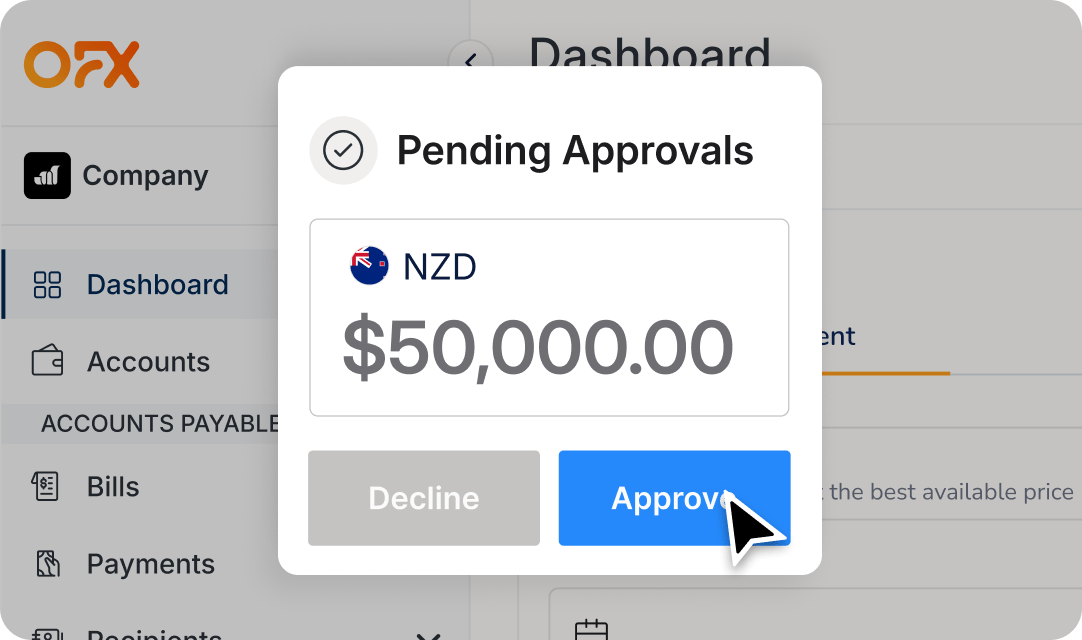
Once a payment approval workflow is set up, the approver can simply bulk approve with just one click.
Making stress-free Batch Payments.
Processing hundreds of payments individually takes time, increases transaction fees, and makes reconciliation a headache. Say goodbye to busywork and combine multiple bills for the same vendor into a bulk payment.
Make domestic and international batch payments
Schedule hundreds of domestic or international invoice payments with a batch file. Uploaded batch payments can easily be edited in the platform if changes are required.
Flexibility to create partial payments
Set up and schedule future dated split payments by percentage or dollar amount. Great for importers, new supplies or managing cash flow.
Track payment status and get live updates
Once a payment approval workflow is set up, bulk approve your batch payments with just one click. Real-time email payment statuses give you a clear audit trail and transparency*.
*Not all features are available on all plans.
Clients love us. Here’s why.
Scaling and improving governance with OFX Batch Payments.
“It’s built for volume…it’s very flexible and very easy to use,” Paul Umbrazunas, Local Executive Chairman of Goodstack.

Say goodbye to busywork
Consolidate your business payments into batches, even if there are hundreds of line items, and bulk-approve them with a click. Your payees are auto-notified and the payments are updated QuickBooks Online and Xero in real-time.
Group, batch and approve. Pay one bill, pay them all.
Handle every payment task in one place. From time-saving bulk approvals, to cost-saving money transfers. Total real-time visibility keeps you and your team a step ahead. And your vendors will love the automated remittance updates, clearly branded with your logo.
How to create a Batch Payment.
Step 1
Upload a CSV of recipient accounts and details to your OFX Global Business Account.
Step 2
Review details, create approval workflow and approve payments on the platform.
Step 3
Send your batch payment. Access the payment status in real-time with in-platform and email updates.
Create your Global Business Account today
Start for free today.
The savings last forever.
The one thing we canʼt automate? You, clicking the get started button. You have nothing to lose and so much time and money to gain.

Fast-track your data sync with your accounting software
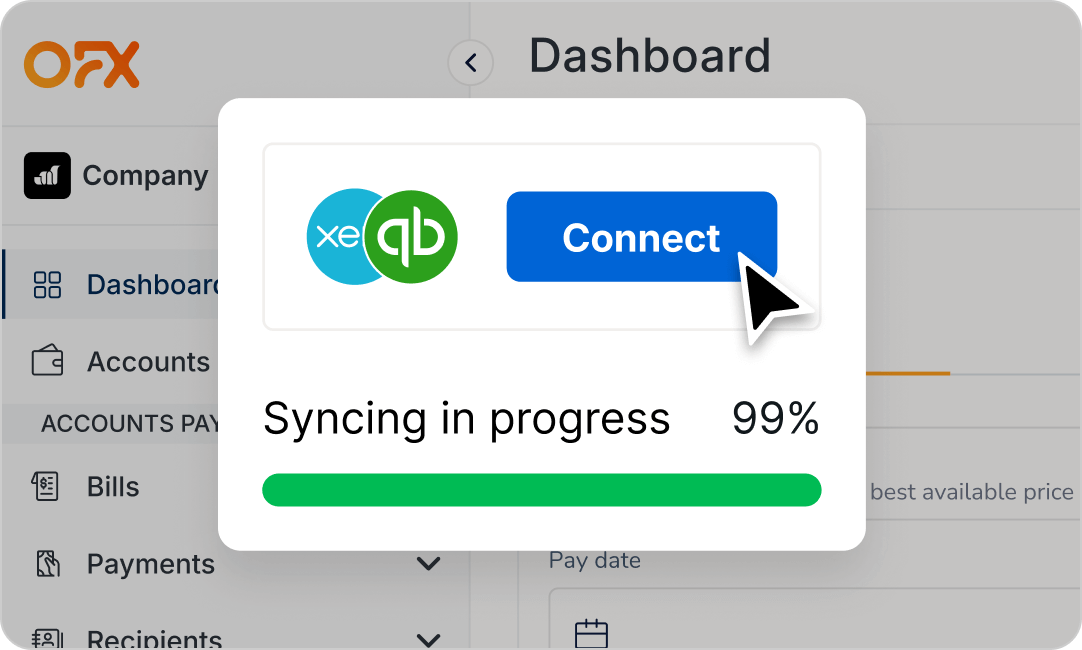
Efficiency is doing things right. Effectiveness is doing it better. Automatically reconcile your expenses by integrating with your accounting software. Connect with your QuickBooks Online or Xero accounts to reduce errors, remove duplicate work and gain real-time insights.
Batch Payment FAQs
What are OFX Batch Payments?
OFX Batch Payments allow you to send multiple payments to different recipients in a single transaction file, saving time and reducing manual data entry.
How does a batch payment work?
A batch payment works by grouping multiple, often similar, payments into a single file for processing, rather than making each payment individually. This saves time and costs, reduces manual effort and potential errors, and simplifies the reconciliation of multiple transactions, making it ideal for high volumes of payments like vendor invoices, and recurring customer payments.
Can I make batch payments in multiple currencies?
Yes. You can make batch payments in 30+ currencies, either domestically or internationally.
What are the benefits of using batch payments for my business?
Batch payments can be useful for payroll, supplier payments, e-commerce vendor settlements, and bulk expense reimbursements. By grouping payments, you can cut down administrative costs, reduce the risk of manual error, and simplify accounting processes, improving overall cost efficiencies and better financial management.
If you’re using separate payment methods and providers for domestic and international payments to the same supplier, OFX batch payments reduce the need to jump between platforms. Approvals can also be simplified into one workflow.
How do I create a batch payment?
It’s easy to do batch payments with OFX. Simply upload a CSV file with all recipient payments details to your OFX Global Business Account. Review payment instructions, add any approval workflows and send directly from the platform.
How do I approve batch payments?
Once uploaded to your OFX Global Business Account, batch payments can be reviewed and approved. You have the ability to create approval workflows* in the platform and monitor payment statuses in real-time and receive status updates via email.
*Not all features are available on all plans.
Is it compatible with QuickBooks Online or Xero?
Yes. You can automatically sync all payments with real-time reconciliations in QuickBooks Online or Xero. Connect your batch payments through the OFX Global Business Account.
How can I use OFX Batch Payments?
All of our plans give you access to our batch payment features, and more. See our pricing plans for more details on features and approval workflows.



Trust earned daily
Simplify batch payments with powerful automation.