
Accounting Software Integrations
Integrations that sync your books and set you free.
Get all your accounting software in sync. Integrate with QuickBooks Online and Xero with just a few clicks. Unlock real-time insights. Automate workflows.
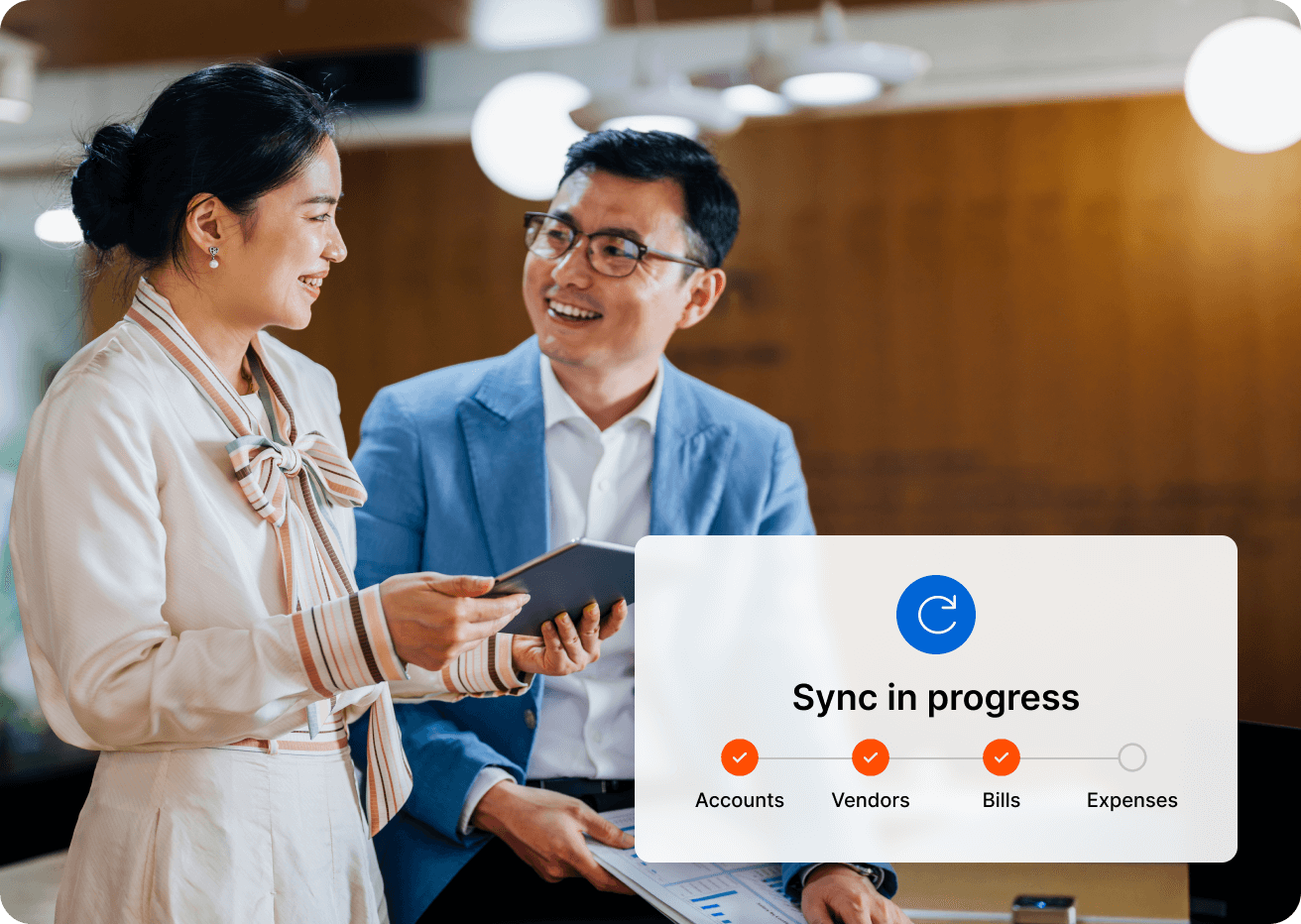


OFX integrations.
Making business easy.
Xero integration, zero effort.
Turn on our real-time 2-way sync. Just like that, manual work and human errors are virtually eliminated.

QuickBooks Online, seamlessly synced.
Flip the switch and watch it run. Now all your cash transactions and bills upload to QuickBooks Online with 2-way sync.
Automated reconciliations with OFX + Xero.
Don’t spend your life clicking the Xero “OK” button. Integrate OFX and Xero, your reconciliation automation dream team.
Your expenses and payments are synced in real-time. Even your foreign currency transactions effortlessly flow in. International business has never been this easy.
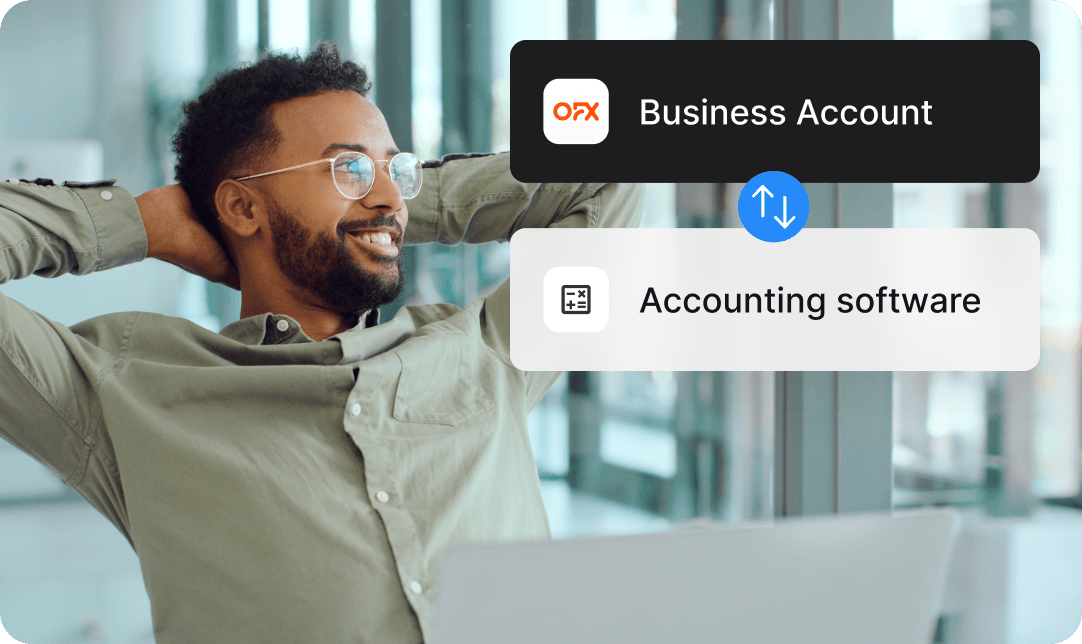

Connect OFX + QuickBooks Online. Sync and reconcile effortlessly.
Connecting QuickBooks Online and OFX is so simple, it won’t feel like a big deal until you see what it does.
2-way sync bills, payments, card transactions and more. Month-end is faster and your books remain accurate as bills and expenses reconcile automatically. All perfectly updated. All on its own.
Not all features are available on each OFX plan. Please check our pricing plans to learn more.
Security that lets you sleep at night.
Our 25+ year business was built on secure global payments. We’re licensed by the Monetary Authority of Singapore (MAS) and ISO 27001 certified, with security experts in offices around the world.

Create your Global Business Account today
Start free today.
The saving lasts forever.
The one thing we canʼt automate? You, clicking the get started button. You have nothing to lose and so much time and money to gain.



Trust earned daily.
OFX Integrations FAQs
What accounting platforms does OFX integrate with?
OFX offers integration with popular accounting platforms like QuickBooks Online and Xero. We’re always working to expand our integration capabilities and looking to add more platforms soon.
What are the benefits from integrating OFX with accounting platforms?
Integration removes the need to manually re-enter financial data between OFX and your accounting software. Once connected, your transactions, expenses, bills, and payments flow automatically into your accounting software.
This helps you:
- Eliminate double entry. No more manually inputting transactions across platforms.
- Reduce reconciliation mistakes by ensuring data stays consistent and up to date across platforms.
- Save time on admin tasks, freeing up space for more strategic work.
- Improve accuracy with automated matching of payments to invoices and bills.
By syncing OFX directly with your accounting software, your finance teams can work faster, more confidently, and with fewer costly errors.
How does OFX integrate with QuickBooks Online?
OFX connects seamlessly with QuickBooks Online to automatically sync your transactions, bills, and payments. Our powerful 2-way sync, reduces manual entry, simplifies reconciliation, and keeps your books accurate, so you can focus on running your business.
How does OFX integrate with Xero?
OFX uses 2-way sync, so your chart of accounts, bills, expenses, payments, and transactions are automatically pushed to Xero, so your records are always up to date.
Are there any technical requirements to integrate Xero or QuickBooks Online with my OFX Global Business Account?
OFX’s integrations are designed to be user-friendly. No special technical expertise is required.
Once you have an active OFX Global Business Account and a valid subscription to QuickBooks Online or Xero, you can connect the platforms directly through your OFX dashboard in just a few clicks.
The integration process doesn’t require coding or custom setup. OFX handles the connection securely through an API. After linking your accounts, transactions flow automatically into your accounting software. Reconcile payments, sync expense categories, and keep your books up to date without manual entry.
If you need technical support at any stage, there’s always 24/7 real human support to guide you through the setup or troubleshoot any issues. Contact us anytime.
What if my accounting platform isn’t supported with OFX?
You can export OFX data as a CSV file and manually upload it into your accounting software. We’re working to expand our integration capabilities and looking to add more platforms soon.
Ready to integrate and win back time? Your 30-day free trial is ready.