A monthly subscription in USD, a new contractor hired in the UK, and employee reimbursements for a work conference in Europe.
On paper, these are normal business expenses. But once exchange rates, bank fees, and payment timing differences come into play, reconciling them can become a messy and manual process.
This is why direct accounting data sync matters. It helps ensure cross-border spend is captured accurately from the start, so your books stay clean and reliable, no matter where your business takes you.
What does direct data sync mean?
At its core, a data sync is a structured exchange of data (e.g. vendors, amounts, accounts, and status) between systems to keep records connected without manual intervention.
A direct data sync occurs between your spend or payments platform with the general ledger to ensure a single, consistent source of financial truth. For example, financial records, such as invoices and payments, are mirrored in the general ledger so both systems reflect the same information.
When you’re managing overseas vendors or international invoices, that consistency matters even more. FX-related spend is recorded properly from the get-go, before errors have a chance to creep in.
Why direct data sync is a must for growing SMBs.
Most finance errors don’t come from big mistakes. They come from small, repeated handoffs from manual touchpoints such as:
- Manually entering transactions from payment platforms
- Maintaining data in spreadsheets
- Matching invoices, receipts, and general ledger codes
- Reconciling international spend across different currencies and bank accounts
Growth doesn’t just increase revenue. It also adds financial complexity. As transaction volume increases, even the most disciplined finance teams struggle to maintain accuracy. That’s because a manual chain relies heavily on memory, interpretation, and repeated human checks, often with teams who are already time poor and working within the tight constraints.
Add global spend to the mix, and the risk spikes. FX conversions, rate fluctuations, and transaction fees introduce discrepancies that slow reconciliation and weaken reporting.
The result? Slower close cycles, more errors, and more headcount just to stay afloat. The fix isn’t more people, it’s smarter processes.
How direct spend data sync improves finance workflow.
Direct data doesn’t just save time. It changes how finance teams work, shifting them from reactive maintenance to proactive control.
Take a simple example. A team member purchases supplies for a project or incurs travel expenses, the transactions are automatically entered in Xero or QuickBooks Online, coded and paired with the correct receipt.
Now apply that same workflow to international spend: when your business pays an overseas supplier or contractor, the payment data flows directly into your accounting system, including the transaction details needed to reconcile it cleanly.
See the difference direct spend sync can make with OFX.
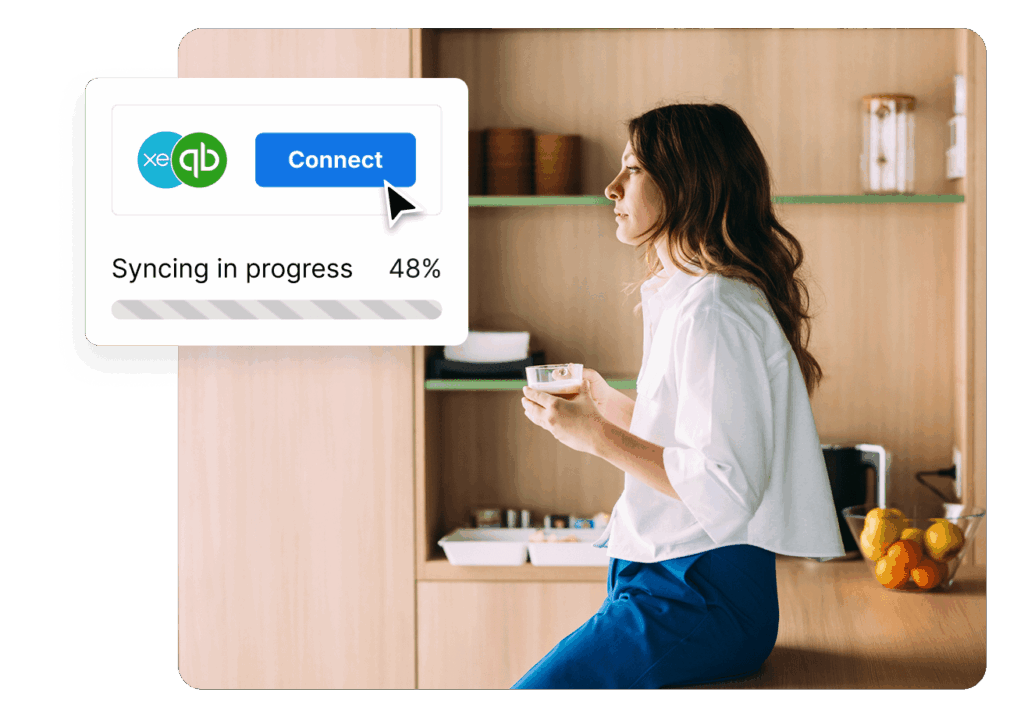
Higher accuracy can be achieved through secure, API-based connections that integrate between your payments activity directly to your accounting system. When those connections are real-time, data moves cleanly and consistently without human intervention or delays. The result is a more connected workflow where OFX and your accounting software talk to each other.
Getting started with direct sync is straightforward, and your team can be up and running fast. On OFX’s Full Suite plan, you get access to seamless 2-way sync with accounting integrations like Xero and QuickBooks Online:
- 2-way sync for reliability
Data flows both ways, keeping accounting and finance teams aligned with a reliable, updated record that simplifies reconciliations. - Bills and payments
Use OFX to pay bills that originate in QuickBooks Online or Xero. Gradually expand to manage the full AP process directly in OFX, including automated data capture and approval workflow. This setup gives you flexibility to evolve as your business grows. - Simplify FX conversions and reconciliations
When you pay or record expenses and bills in foreign currencies, OFX automatically processes the FX conversion between your accounts in QuickBooks Online and Xero. Each transaction stays in the original currency, giving you accurate records, easier reconciliations, and a clearer view of your global cashflow. - Receipt and attachment syncing
Sync receipts and attachments automatically, ensuring your documentation is always accessible from either platform
It would be thousands of hours saved annually across the company. Previously, we had to chase missing receipts. Now, you just snap a photo at the time, it gets attached, and the team can easily select the account that they need to assign it to through Xero.
Sarah Mitchell, Group Executive Operations
Direct spend data sync: why it’s the smart way.
For fast-growing SMBs, the volume, pace, and complexity of modern spend have changed the rules. Spend is more frequent, more distributed, and more global than ever. Departments manage their own vendors and subscriptions often across borders. Direct data sync is an important tool to help modern finance teams keep pace with the needs of the business.
Relying on manual steps doesn’t just slow you down. When cross-border payments are involved, manual reconciliation can quickly become a drain on time, budget, and accuracy.
To prevent this, build accuracy from the start of your workflow. With OFX and spend data sync with Xero and QuickBooks Online, you can:
- Reduce manual work and errors through automated syncing.
- Gain real-time financial clarity across local and global transactions
- Keep foreign currency transactions accurate for cross-border spend
- Streamline AP and expense management in one connected system.
- Scale globally with confidence while keeping your team lean.
To view all of OFX’s features, visit our pricing plans. QuickBooks Online and XERO 2-way sync is available on OFX Full Suite plan. Transaction data (Bank Feed) available on OFX Standard plan.
Seamlessly, easy and fast. See what direct spend sync looks like with OFX.